



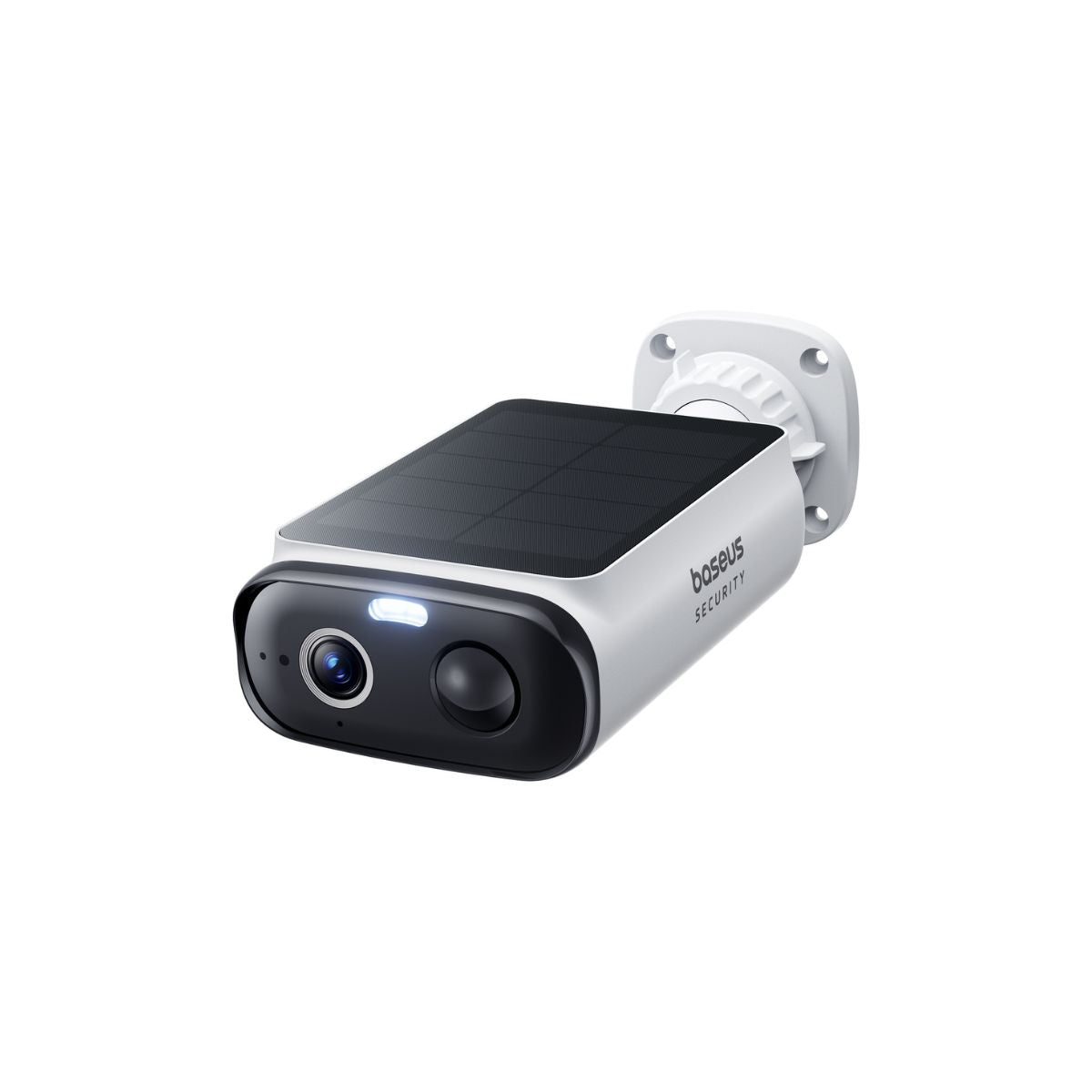
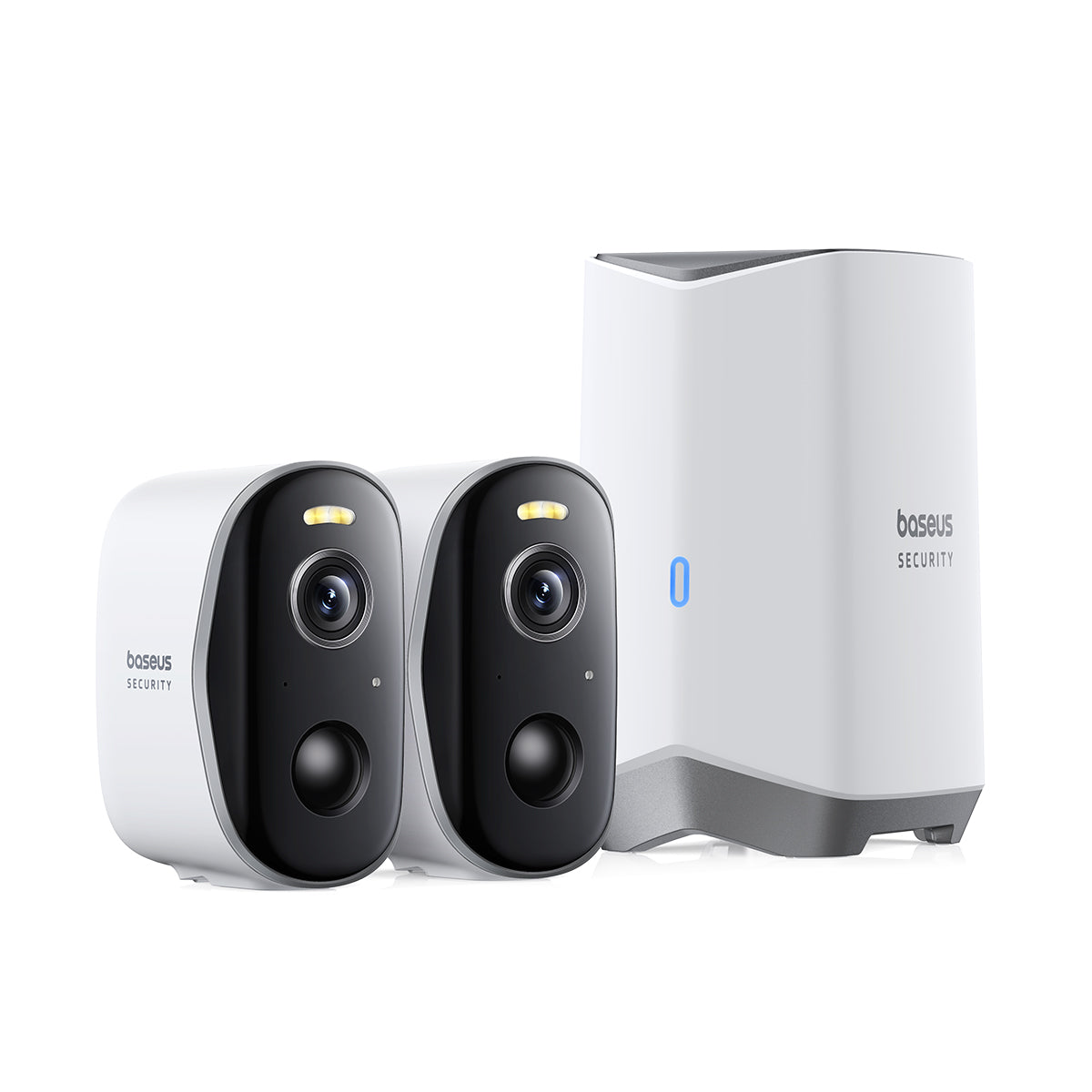

You bought the camera. You mounted it high up on the garage. You checked the live feed on your phone, saw the driveway, and thought, "I'm safe."
But are you?
The uncomfortable truth about home security is that what you don't see is often more dangerous than what you do. Every single-lens camera has limits. There is an edge to the frame. There is a zone underneath the lens. There is a shadow behind the tree. These are camera blind spots, and they are the first place a smart intruder will look.
If your camera can’t see the whole picture, you aren't monitoring your home. You’re just monitoring a movie set.
What Exactly Is a Blind Spot?
Think of a flashlight. When you shine it in a dark room, you see a cone of light. Everything inside that cone is visible; everything outside is pitch black.
Your security camera works the same way. It has a Field of View (FOV). Standard cameras usually see between 110° and 130°. That sounds like a lot, but a circle is 360°. That means a single standard camera is blind to nearly two-thirds of the world around it.
A security camera blind spot is simply any area where a person can stand without being recorded. And finding them isn't just a technical exercise. It is a necessity.
The 3 Most Common "Invisible" Zones
Before you grab a ladder, look at your current setup. You likely have security camera blind spots in these three specific places.
1. The "Under-Chin" Zone
This is the most common error. You mount the camera high up to get a wide view. But standard cameras cannot look straight down. If an intruder hugs the wall and walks directly underneath the camera, they are invisible. They could be standing two feet from your lens, and you would never know.
2. The Corner Cut-Off
You place a camera on the corner of the house to see two sides. But a single lens can’t wrap around a 90-degree bend. Unless you have a specific wide-angle solution, there is always a wedge of dead space right at the apex of the corner.
3. The Light-Blinded Spot
This isn't a geometry problem; it's a lighting one. If your camera points directly at a streetlamp or the rising sun, the glare will wash out the image. The camera is recording, but the "blind spot" is the white flare where the intruder’s face should be.
How to Find a Blind Spot: The Walk Test
You don't need expensive software to find blind spot of security camera setups. You just need a smartphone and a friend.
This is called the "Walk Test," and you should do it today.
-
Open the App: Pull up the live feed of your camera on your phone.
-
Position Your Partner: Have a friend stand at the far edge of where you think the camera can see.
-
The Creep: Have them slowly walk toward the house, hugging the fence line or the wall.
-
Watch the Feed: The moment they disappear from your screen, yell "Stop!"
-
Mark the Spot: That is your edge.
Now, do the same thing underneath the camera. Have them walk toward the wall the camera is mounted on. You will be shocked at how far away from the wall they are when they vanish from the screen. That entire gap between them and the wall? That is your vulnerability.
The Hardware Limitation: Why One Lens Isn't Enough
You can angle your camera. You can move it. But you cannot change physics.
A traditional single-lens camera forces you to compromise.
-
Wide Angle: You see the whole yard, but everything is tiny and blurry.
-
Zoomed In: You see the face clearly, but you create massive blind spots on the left and right.
For years, the industry solution was the PTZ (Pan-Tilt-Zoom) camera. It moves! It looks around!
But there is a catch. When a PTZ camera turns left to look at the driveway, it creates a massive blind spot on the right. It is like a security guard looking through a straw. It can only see one thing at a time.
To truly eliminate blind spots, you don't need a moving eye. You need more eyes.
The Solution: Dual Rotatable Lenses & Panoramic Stitching
This is where the technology has finally caught up to the problem. The most effective way to kill a blind spot is to use a system designed to see everything at once.
Enter the Baseus Security X1 Pro.
This isn't a standard camera. It solves the blind spot issue using a unique Dual Rotatable Lens architecture. Unlike older cameras with one fixed eye and one moving eye, the X1 Pro features two fully adjustable lenses that work in harmony.
Here is how it fixes the flaws we just discussed:
1. The 180° Panoramic Stitch
Remember the "Corner Cut-Off"? The X1 Pro eliminates it. By positioning its two lenses to cover the left and right fields, the onboard software seamlessly "stitches" the two images together. You don't get two disjointed clips. You get one massive, continuous 180° panoramic view. You can see the driveway and the front porch in the same frame, with no gaps in the middle.
2. AI Relay Tracking (No More Tunnel Vision)
Standard PTZ cameras lose the subject if they move too fast or go out of frame. The X1 Pro uses AI Relay Tracking. Because it has a wide field of view and intelligent processing, it can hand off the tracking duties. It identifies Humans, Vehicles, and Pets and ensures they stay in focus as they move across your property. It tracks the movement without losing the context of the wider scene.
3. Secure Hub-Based Storage
Sometimes, the blind spot isn't the camera; it's the thief stealing the camera. If a thief sneaks up in a blind spot and smashes a standard camera, your SD card is gone. The X1 Pro streams to a Secure HomeStation inside your house. Even if the camera is destroyed, the footage of the crime is safe in your living room.
Conclusion: Don't Leave Security to Chance
A blind spot is an open invitation. It turns your expensive security system into a decoration.
You can spend hours tweaking angles and mounting cameras in awkward spots to try and cover the gaps. Or, you can upgrade to a system built to see the whole picture.
By leveraging Dual Rotatable Lenses and Panoramic Stitching, you stop playing hide-and-seek with intruders. You simply see them.
Stop wondering what your camera is missing. Eliminate the dead zones with the world's first smart AI dual-tracking solar camera.
Explore the Baseus X1 Pro Collection
FAQs
How do I fix a blind spot without buying a new camera?
If you cannot upgrade yet, try the "cross-fire" method. If you have two cameras, position them so they look at each other. Camera A watches the blind spot of Camera B, and vice versa. Also, ensure you mount your cameras at least 7-9 feet high and angled downward to minimize the dead zone directly beneath them.
Does the Baseus X1 Pro really cover 180 degrees?
Yes. Through its Panoramic Stitching technology, the X1 Pro combines the video feeds from its two lenses to create an ultra-wide field of view. This effectively allows you to monitor a wide area, like a full backyard fence line or a double-wide driveway, without the distortion of a fisheye lens and without the gaps of using two separate cameras.
Can I find blind spots at night?
Yes, and you must. A camera might see fine in the day but be blinded at night. This happens if the camera's infrared (IR) lights reflect off a nearby wall or overhang, causing "IR glare." To find blind spot of security camera setups at night, review your footage after dark. If you see a bright white washed-out area near the edge, that is a night-time blind spot.
What does the X1 Pro detect?
To avoid false alarms from trees or shadows, the X1 Pro uses advanced local AI to specifically detect Humans, Faces, Pets, and Vehicles. It filters out the noise so you only get alerted when something important enters your blind spot.


